What Is UI/UX Design and Why Does It Matter?
In the digital world, user experience and interface design are among the most critical factors determining a product's success. UI (User Interface) and UX (User Experience) design are disciplines that shape how users interact with digital products. The ease, satisfaction, or frustration you feel when using a website or mobile application is a direct result of the work designers put into it.
UI design focuses on the visual surface of a product: colors, typography, buttons, icons, and overall layout. UX design encompasses the entire process of user interaction with a product: research, information architecture, user flows, and usability testing. Both fields complement each other, and a successful digital product requires strength in both areas.
In 2026, the UI/UX design field is rapidly expanding with AI-powered design tools, voice interfaces, and augmented reality experiences. If you are looking to explore this dynamic and creative career path, you are in the right place.
The Difference Between UI and UX
If you want to become a UI/UX designer, you first need to clearly understand the difference between these two concepts. Although they are often mentioned together, they have distinct areas of responsibility.
UX Design (User Experience)
- User research and persona creation
- Designing user journey maps
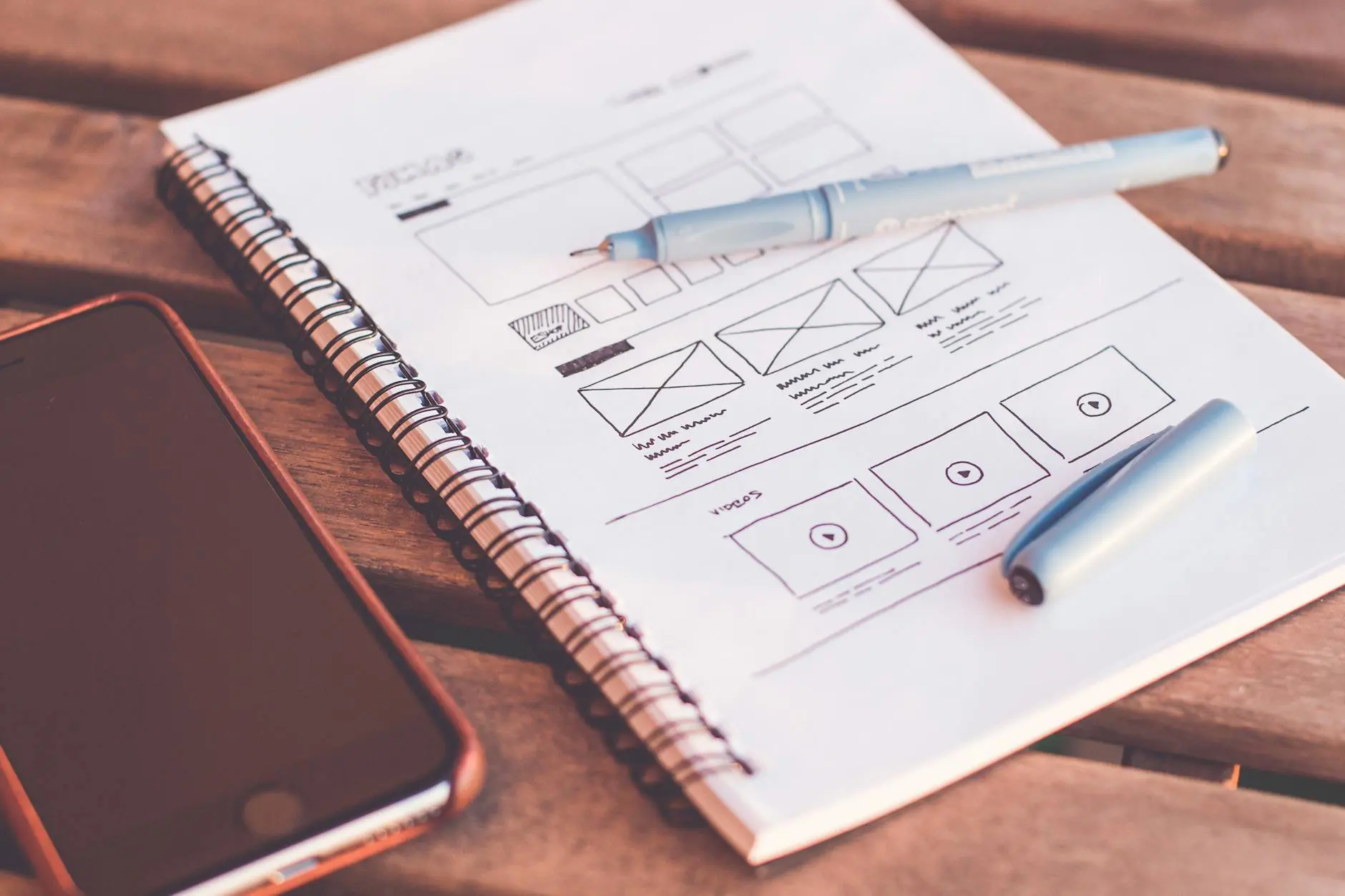
- Creating wireframes and low-fidelity prototypes
- Building information architecture and navigation structures
- Conducting usability tests and analyzing results
- Ensuring compliance with accessibility standards
UI Design (User Interface)
- Visual design and aesthetic decisions
- Defining color palettes, typography, and iconography
- Creating high-fidelity mockups and prototypes
- Developing design systems and component libraries
- Designing micro-interactions and animations
- Applying responsive design principles
Many companies, especially small and medium-sized businesses, combine these two roles into a single position. Therefore, gaining competency in both areas provides a significant career advantage.
Fundamental Design Principles
Before learning any tool or software, understanding the fundamental principles of design is crucial. These principles form the foundation of every design decision you make.
Hierarchy and Layout
Visual hierarchy guides the user's eye toward the most important elements on a page. You can organize information by priority using size, color, contrast, and white space. Grid systems ensure that elements are arranged in an orderly and consistent manner across your designs.
Consistency
Design consistency helps users learn a product faster and make fewer errors. Colors, fonts, button styles, and interaction patterns should remain consistent throughout the entire product. Design systems are the most effective way to systematically ensure this consistency.
Accessibility
Good design must be accessible to all users. WCAG (Web Content Accessibility Guidelines) standards provide guidance on color contrast, text size, keyboard navigation, and screen reader compatibility. Accessibility is no longer optional; it is an integral part of professional design.
User-Centered Design
All design decisions should be based on user needs. Personal preferences or trends should not drive the design process; user research and data should. Empathy is a UI/UX designer's most powerful tool.
Essential Tools to Learn
The tools used in modern UI/UX design workflows are constantly evolving. However, some tools have become industry standards, and learning them will accelerate your career.
Figma
As of 2026, Figma is the most widely used UI/UX design tool. Its browser-based architecture allows it to work on any operating system and enables real-time collaboration. With Figma, you can create wireframes, mockups, prototypes, and design systems. Its free starter plan lets you begin learning immediately.
FigJam and Miro
Whiteboard tools like FigJam and Miro are indispensable for user journey maps, brainstorming sessions, and workflow diagrams. You can use these tools to organize ideas and collaborate with your team during the early stages of the UX process.
Prototyping Tools
While Figma offers robust built-in prototyping features, you may also consider tools like ProtoPie or Principle for more advanced interactions. Prototyping allows you to make your designs clickable and testable before development begins.
Additional Tools
- Adobe Photoshop and Illustrator: For image editing and illustration
- Maze and Hotjar: For usability testing and user behavior analysis
- Notion and Confluence: For design documentation and project management
- Zeplin and Figma Dev Mode: For developer handoff
User Research and UX Methodologies
User research forms the backbone of UI/UX design. Even if you can use tools perfectly, you cannot create good design without understanding your users.
Qualitative Research Methods
- User interviews: Gaining deep insights through one-on-one conversations
- Usability testing: Observing users interacting with your product
- Field studies: Examining users in their natural environments
- Card sorting: Understanding users' mental models for information architecture
Quantitative Research Methods
- Surveys: Collecting statistical data by reaching broad audiences
- A/B testing: Comparing different design variations
- Analytics data: Measuring user behavior with tools like Google Analytics
- Heat maps: Visualizing where users focus on a page
The UX Design Process
The professional UX design process typically consists of five stages: Empathize (understanding the user), Define (identifying the problem), Ideate (developing solution proposals), Prototype (materializing the solution), and Test (validation and improvement). This process is cyclical and operates on the principle of continuous improvement.
Portfolio Building Strategies
In the UI/UX design field, your portfolio is far more important than your resume. Employers and clients want to see your thought process and problem-solving approach.
Tips for a Strong Portfolio
- Tell the story of each project from start to finish: problem definition, research, design decisions, and outcomes
- Show not only the final designs but also wireframe and prototype stages
- Prepare case studies on real or hypothetical projects
- Explain the reasoning behind your design decisions and user research findings
- Always share measurable results if available: conversion rate increases, error rate reductions
- Design your portfolio website yourself to showcase your skills
Ways to Gain Experience
If you do not yet have professional experience, do not worry. You can add strong projects to your portfolio through the following avenues:
- Redesign existing applications (redesign challenges)
- Contribute design work to open-source projects
- Participate in daily design exercises such as the Daily UI Challenge
- Volunteer design work for real businesses
- Join hackathons and design competitions
Learning Resources and Education Path
There are many different resources available for learning UI/UX design. You can choose those that best fit your learning style and budget.
Free Resources
- Google UX Design Certificate (available on Coursera)
- Figma official tutorials and community resources
- Nielsen Norman Group articles and reports
- Laws of UX (uxdesign.cc) design principles collection
- YouTube channels: Flux Academy, Jesse Showalter, DesignCourse
Paid Resources
- Interaction Design Foundation courses
- UI/UX courses on Udemy and Skillshare platforms
- Mentorship programs like Designlab and Springboard
- Refactoring UI (design book and resource kit)
Essential Books to Read
- "Don't Make Me Think" by Steve Krug
- "The Design of Everyday Things" by Don Norman
- "About Face: The Essentials of Interaction Design" by Alan Cooper
- "Sprint" by Jake Knapp
- "Hooked" by Nir Eyal
Job Market and Career Growth
The UI/UX design field continues to be one of the fastest-growing career areas in 2026. With the acceleration of digital transformation and the widespread adoption of artificial intelligence, demand for designers is increasing.
Career Paths
- Junior UI/UX Designer: Entry level, supportive role within a team
- Mid-Level Designer: Managing independent projects, providing mentorship
- Senior Designer: Setting design strategy, team leadership
- UX Lead / Design Manager: Managing the design team
- Head of Design / VP of Design: Establishing design vision across the organization
Specialization Areas
As you progress in your career, you may consider specializing in a specific area:
- UX Research
- Interaction Design
- Information Architecture
- Design Systems Engineering
- UX Writing
- Product Design
Continuously learning, keeping your portfolio up to date, and actively participating in design communities are the keys to building a successful career in this field. Every great designer was once at the starting point; what matters is taking the first step.
Conclusion
Becoming a UI/UX designer is a journey that requires empathy, curiosity, and a desire for continuous learning alongside technical skills. By understanding fundamental design principles, learning industry-standard tools like Figma, applying user research methodologies, and building a strong portfolio, you can establish a solid career in this field.
Remember that you do not necessarily need to graduate from a design school to become an excellent designer. With a disciplined learning program, consistent practice, and community engagement, you can reach your goals. Take your first step today and open the doors to the world of design.


