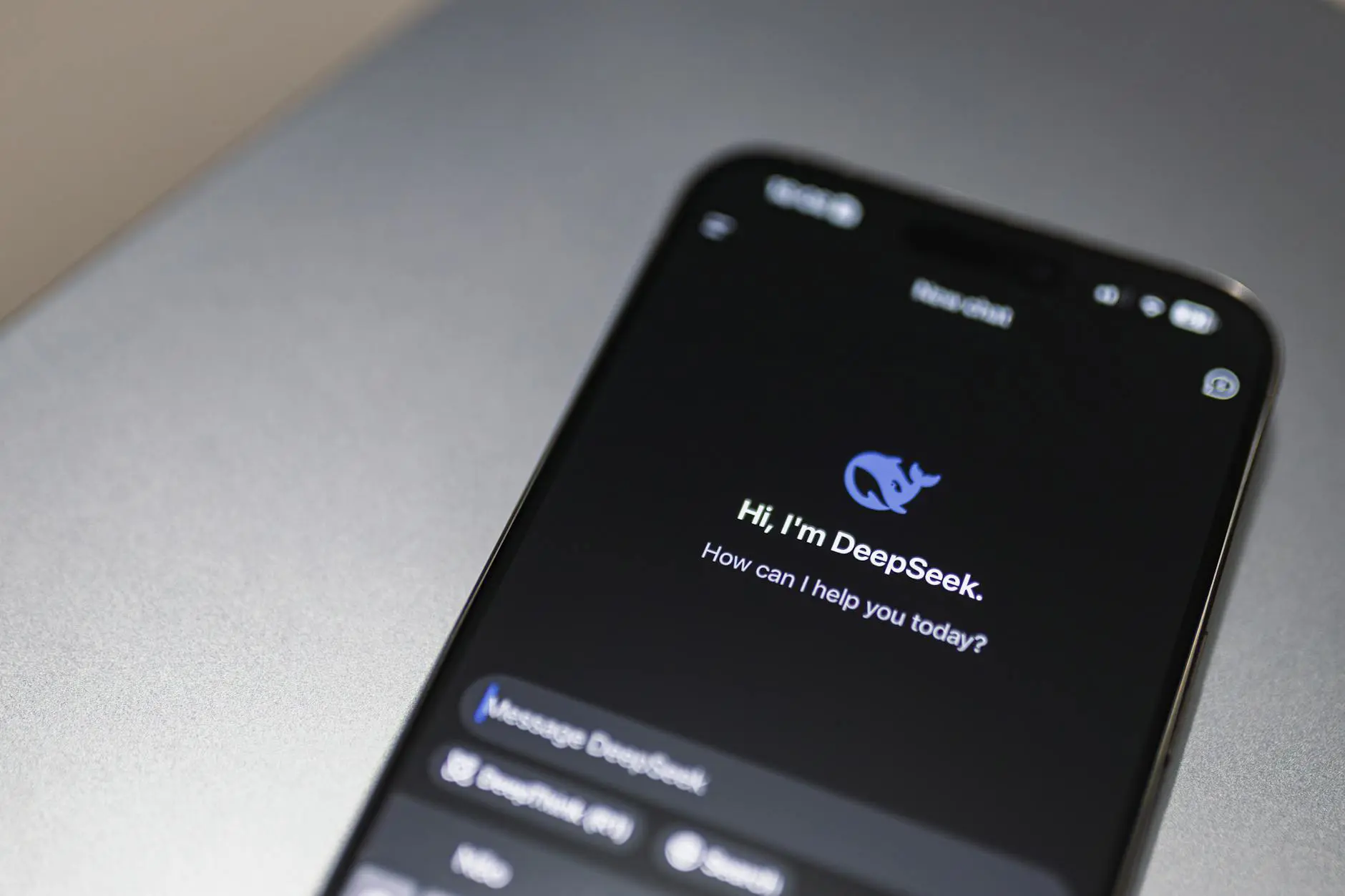
Why Every Business Needs an AI Chatbot
Customer expectations have changed dramatically. People expect instant responses, 24/7 availability, and personalized service — demands that are difficult to meet with human agents alone. AI chatbots bridge this gap by handling routine inquiries instantly while escalating complex issues to human team members.
Building a chatbot for your business is more accessible than ever. Whether you want a simple FAQ bot or a sophisticated AI assistant that understands context and intent, this guide walks you through the entire process.
Types of AI Chatbots
Rule-Based Chatbots
Rule-based chatbots follow predefined scripts and decision trees. They respond to specific keywords or button selections and work well for simple, predictable interactions like booking appointments or checking order status.
AI-Powered Chatbots
AI-powered chatbots use natural language processing (NLP) and machine learning to understand user intent, handle varied phrasing, and learn from conversations over time. These bots can manage complex queries and provide more natural, human-like interactions.
Hybrid Chatbots
Hybrid chatbots combine rule-based flows with AI capabilities. They use structured menus for common tasks and fall back to AI understanding for open-ended questions. This approach offers reliability for known scenarios and flexibility for unexpected queries.
Planning Your Chatbot
Before writing any code, define these fundamentals:
- Purpose: What specific problem will your chatbot solve? Customer support, lead generation, appointment booking, or product recommendations?
- Audience: Who will interact with the bot? Understanding your users helps determine tone, language, and complexity.
- Channels: Where will the chatbot live? Your website, WhatsApp, Facebook Messenger, or all of the above?
- Scope: Start with a focused set of capabilities rather than trying to handle every possible question.
- Escalation: Define clear rules for when and how the bot transfers conversations to human agents.
Building Your Chatbot: Step by Step
Step 1: Choose Your Approach
You have three main options for building a chatbot:
| Approach | Best For | Technical Skill |
|---|---|---|
| No-code platforms | Simple bots, quick deployment | None required |
| Low-code frameworks | Moderate complexity, customization | Basic programming |
| Custom development | Complex requirements, full control | Software engineering |
Step 2: Design the Conversation Flow
Map out the conversations your chatbot will handle. For each scenario, define:
- The user's likely opening messages and variations
- The information the bot needs to collect
- The responses and actions at each step
- Error handling for unexpected inputs
- Handoff points to human agents
Step 3: Set Up Your Knowledge Base
Your chatbot is only as good as the information it can access. Create a comprehensive knowledge base that includes:
- Frequently asked questions and their answers
- Product or service documentation
- Pricing information and policies
- Troubleshooting guides
Step 4: Integrate an LLM (Optional but Recommended)
For AI-powered chatbots, integrate a large language model as the conversational engine. Popular options include OpenAI's GPT models, Anthropic's Claude, and open-source models like Llama. The LLM handles natural language understanding and generates contextually appropriate responses.
Key considerations for LLM integration:
- System prompts: Define the chatbot's personality, boundaries, and response format.
- Context window: Ensure conversation history is managed to stay within token limits.
- Guardrails: Implement safety measures to prevent off-topic or harmful responses.
- RAG (Retrieval-Augmented Generation): Connect the LLM to your knowledge base so responses are grounded in your actual business data.
Step 5: Build and Test
Develop the chatbot using your chosen platform or framework. During testing:
- Test with real user scenarios, not just ideal paths
- Include edge cases and unusual inputs
- Verify the escalation flow works correctly
- Check response accuracy against your knowledge base
- Measure response time and performance under load
Step 6: Deploy and Monitor
Launch your chatbot and closely monitor its performance. Track metrics such as:
- Resolution rate (percentage of queries resolved without human help)
- User satisfaction scores
- Average conversation length
- Most common unresolved queries (these reveal knowledge gaps)
Best Practices for Business Chatbots
- Be transparent: Always let users know they are talking to a bot.
- Offer human escalation: Never trap users in a bot loop with no exit.
- Keep responses concise: Long blocks of text are hard to read in chat interfaces.
- Personalize when possible: Use the customer's name and reference their history.
- Continuously improve: Review conversation logs regularly to identify areas for improvement.
Costs and Considerations
Chatbot costs vary widely depending on complexity. No-code solutions may start at a few hundred dollars per month, while custom-built AI chatbots require a larger investment in development and infrastructure. For businesses needing tailored chatbot solutions, working with a development partner like Ekolsoft ensures the bot integrates seamlessly with existing systems and scales with your needs.
The best chatbot is one that customers barely notice — because it resolves their issue so quickly and naturally that the experience feels effortless.


