The Importance of Mobile-First Design
Mobile devices account for over 60% of global web traffic, and users spend an average of four hours daily on mobile apps. Designing for mobile is no longer an afterthought—it is the primary consideration for any digital product strategy.
Mobile app design presents unique challenges: limited screen real estate, touch-based interactions, varying network conditions, and diverse device capabilities. Understanding these constraints and designing within them is what separates great mobile experiences from frustrating ones.
Fundamental UX Principles for Mobile
1. Thumb-Friendly Design
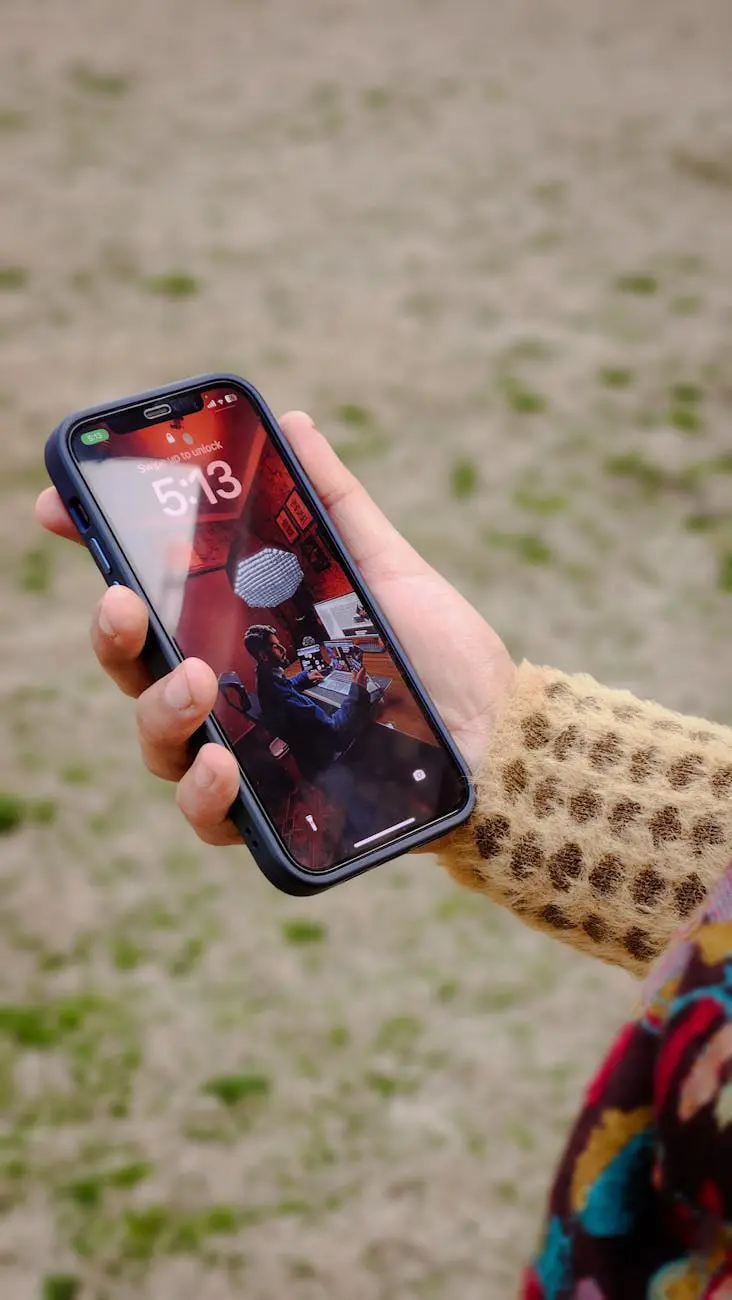
Most users hold their phones with one hand and navigate with their thumb. Research shows that the lower portion of the screen is the easiest to reach, while the upper corners require stretching. Effective mobile design places primary actions within the natural thumb zone.
- Position key navigation at the bottom of the screen
- Make touch targets at least 44x44 pixels
- Place destructive actions away from common tap areas
- Use swipe gestures for frequent actions
2. Progressive Disclosure
Do not overwhelm users with all available options at once. Progressive disclosure presents information and actions gradually, revealing complexity only when needed. This keeps the interface clean while maintaining access to advanced features.
3. Minimalist Navigation
Mobile navigation should be simple and predictable. The most effective patterns include:
| Pattern | Best For | Example |
|---|---|---|
| Bottom Tab Bar | 3-5 primary sections | Instagram, Spotify |
| Hamburger Menu | Secondary navigation | Gmail, Slack |
| Gesture Navigation | Content-focused apps | Tinder, Stories |
| Search-First | Content-heavy apps | YouTube, Amazon |
Designing for Touch Interactions
Touch interfaces require different thinking compared to mouse-based design. Every interaction must feel natural and responsive.
Gesture Design
Common gestures users expect in mobile apps:
- Tap: Select, activate, or toggle
- Long press: Context menu or secondary actions
- Swipe: Delete, archive, or navigate between views
- Pinch: Zoom in and out on maps or images
- Pull down: Refresh content
Feedback and Responsiveness
Every user action should produce immediate visual feedback. Haptic feedback, subtle animations, and state changes confirm that the app has registered the interaction. Delays longer than 100 milliseconds feel sluggish to users.
Visual Design for Small Screens
Typography
Mobile typography must prioritize readability:
- Use a minimum body text size of 16 pixels
- Maintain adequate line height (1.4 to 1.6 ratio)
- Limit the number of typefaces to two maximum
- Ensure sufficient contrast against backgrounds
- Use weight and size variations to establish hierarchy
Color and Contrast
Colors on mobile screens appear differently under various lighting conditions. Design with high contrast ratios to ensure readability in bright sunlight and dark environments. Support both light and dark modes to accommodate user preferences.
Performance and Loading States
Mobile users often have limited bandwidth. Design should account for loading states gracefully:
- Skeleton screens: Show content placeholders while data loads
- Progressive loading: Display text before images
- Optimistic updates: Reflect actions immediately, sync in background
- Offline states: Provide useful functionality without connectivity
- Error recovery: Help users retry failed operations easily
The best interface is no interface. The best interaction is one the user does not have to think about. — Golden Krishna
Onboarding and First-Time Experience
The first few minutes determine whether a user keeps or deletes your app. Effective onboarding strategies include:
- Keep it to three screens or fewer
- Show value immediately rather than explaining features
- Allow users to skip onboarding
- Use contextual tooltips instead of front-loaded tutorials
- Request permissions only when the feature is needed
Accessibility in Mobile Design
Accessible design benefits all users, not just those with disabilities. Mobile accessibility best practices that teams at companies like Ekolsoft follow include:
- Support screen readers with proper labels and roles
- Ensure all functionality works with increased text sizes
- Provide alternatives to gestures for users with motor impairments
- Use color plus icons or text—never color alone—to convey information
- Test with real assistive technologies on actual devices
Testing Mobile Designs
Mobile designs must be tested on real devices, not just in browser emulators. Key testing approaches:
- Usability testing: Watch real users complete tasks on actual devices
- A/B testing: Compare design variants with production traffic
- Device testing: Verify across multiple screen sizes and operating systems
- Performance testing: Measure load times on slower network connections
Platform-Specific Guidelines
iOS and Android have distinct design languages. iOS follows Apple's Human Interface Guidelines with an emphasis on clarity and depth, while Android uses Material Design with principles of bold graphics and meaningful motion. Respecting platform conventions helps users feel at home in your app.
Mobile app design is an evolving discipline that demands continuous learning and iteration. By grounding your designs in solid UX principles and testing with real users, you can create mobile experiences that people genuinely enjoy using. Ekolsoft applies these principles across every mobile project to ensure intuitive, performant, and accessible applications.


