What Is UI/UX Design?
User Interface (UI) and User Experience (UX) design are two interconnected disciplines that shape how people interact with digital products. While UI focuses on the visual elements—buttons, icons, typography, and layouts—UX encompasses the entire journey a user takes when engaging with a product or service.
Understanding the difference between UI and UX is the first step toward building digital experiences that truly resonate with users. A beautiful interface without intuitive navigation frustrates users, while a well-structured experience with poor visuals fails to inspire confidence.
Why UI/UX Design Matters
In today's competitive digital landscape, user-centered design is no longer optional. Consider these compelling reasons:
- First impressions count: Users form opinions about a website within 50 milliseconds
- Retention depends on experience: 88% of users are less likely to return after a bad experience
- Revenue impact: Every dollar invested in UX returns up to $100
- Reduced development costs: Fixing a UX issue after development is 100x more expensive than during design
Companies like Ekolsoft recognize that investing in UI/UX design from the start leads to more successful digital products and happier end users.
Core Principles of UX Design
1. User Research
Every great design begins with understanding your users. User research involves gathering qualitative and quantitative data about your target audience through methods such as:
- Surveys and questionnaires
- User interviews
- Competitive analysis
- Analytics review
- Persona development
2. Information Architecture
Information architecture (IA) organizes content and navigation so users can find what they need effortlessly. A well-structured IA creates a logical hierarchy that guides users through your product naturally.
3. Usability
Usability measures how easily users can accomplish their goals. Key usability principles include:
- Learnability: How quickly can new users complete basic tasks?
- Efficiency: How fast can experienced users perform actions?
- Memorability: Can returning users re-establish proficiency easily?
- Error prevention: Does the design help users avoid mistakes?
Core Principles of UI Design
Visual Hierarchy
Visual hierarchy guides the user's eye through content in order of importance. Designers achieve this through size, color, contrast, spacing, and positioning. The most critical elements should stand out immediately.
Consistency
Consistent design patterns help users learn and predict how your interface behaves. This includes consistent use of colors, typography, button styles, icons, and interaction patterns throughout the product.
Responsive Design
Modern UI design must work seamlessly across devices. Responsive design adapts layouts, images, and navigation to different screen sizes, ensuring a quality experience on desktop, tablet, and mobile.
The UI/UX Design Process
A structured design process ensures nothing is overlooked. Here is a typical workflow:
- Discovery: Research users, business goals, and market landscape
- Define: Create personas, user stories, and journey maps
- Ideate: Brainstorm solutions and sketch initial concepts
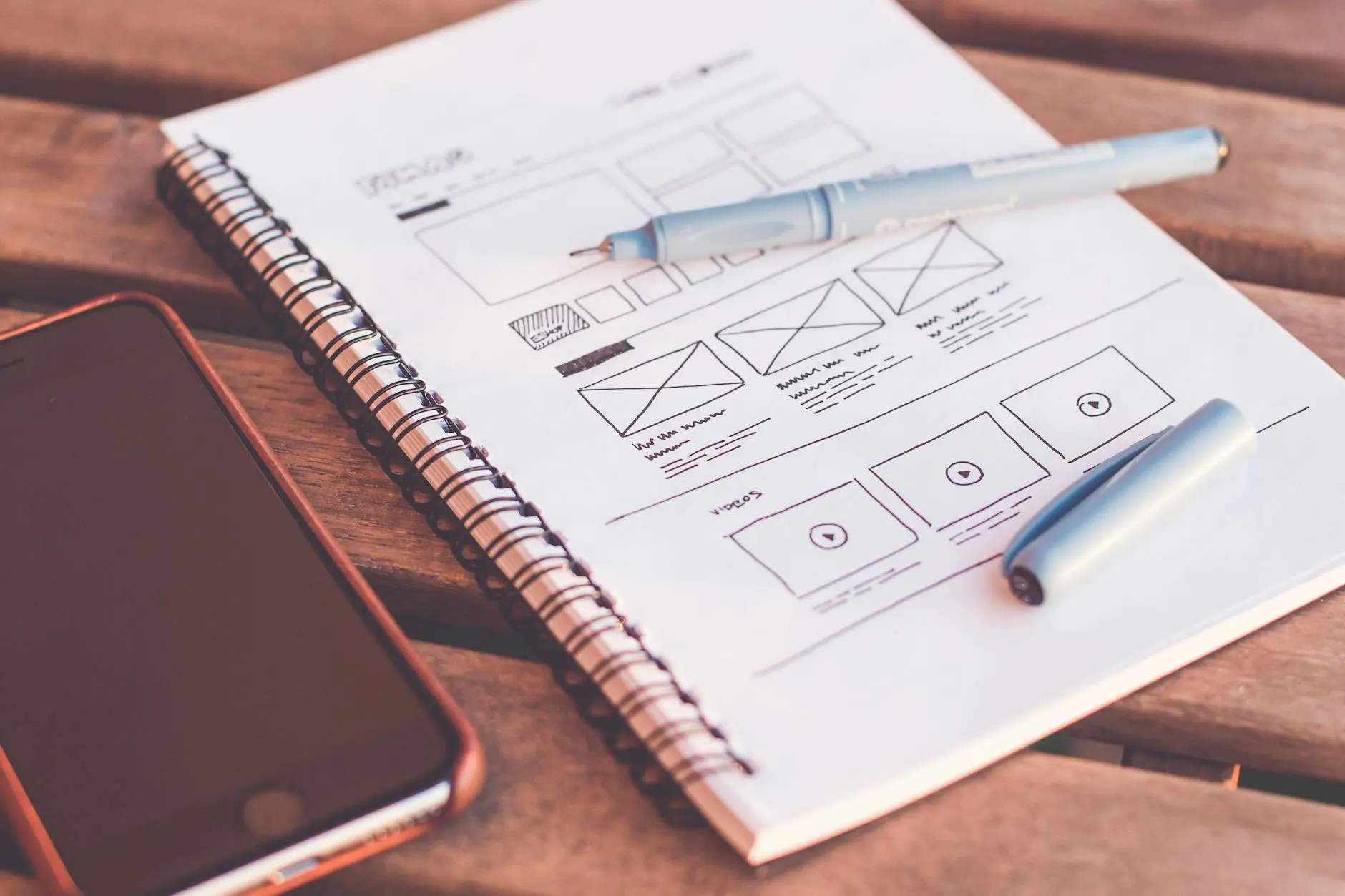
- Wireframe: Build low-fidelity layouts to test structure
- Prototype: Create interactive mockups for user testing
- Test: Validate designs with real users and iterate
- Deliver: Hand off final designs to development teams
Essential UI/UX Design Tools
| Tool | Best For | Key Feature |
|---|---|---|
| Figma | Collaborative design | Real-time multiplayer editing |
| Sketch | macOS UI design | Extensive plugin ecosystem |
| Adobe XD | Prototyping | Adobe ecosystem integration |
| InVision | Design handoff | Developer-friendly specs |
| Miro | Workshops and ideation | Infinite collaborative canvas |
Common UI/UX Mistakes to Avoid
Even experienced designers can fall into these traps:
- Ignoring accessibility: Designs must be usable by people with disabilities
- Overcomplicating navigation: Keep menus simple and intuitive
- Neglecting mobile users: Mobile traffic now exceeds desktop globally
- Skipping user testing: Assumptions about user behavior are often wrong
- Inconsistent patterns: Mixed design patterns confuse users
Good design is actually a lot harder to notice than poor design, in part because good designs fit our needs so well that the design is invisible. — Don Norman
Career Paths in UI/UX Design
The demand for skilled UI/UX designers continues to grow. Common career paths include UX Researcher, UI Designer, Interaction Designer, Product Designer, and UX Writer. Companies across every industry—from startups to enterprises like Ekolsoft—seek professionals who can bridge the gap between user needs and business objectives.
Getting Started
If you are new to UI/UX design, begin with these steps:
- Learn fundamental design principles through free courses on platforms like Coursera or Google UX Design Certificate
- Practice with free tools like Figma
- Study existing products and analyze what works and what does not
- Build a portfolio with personal or volunteer projects
- Join design communities for feedback and mentorship
UI/UX design is a rewarding field that combines creativity with problem-solving. By focusing on user needs and following established design principles, you can create digital experiences that delight users and drive business results.


