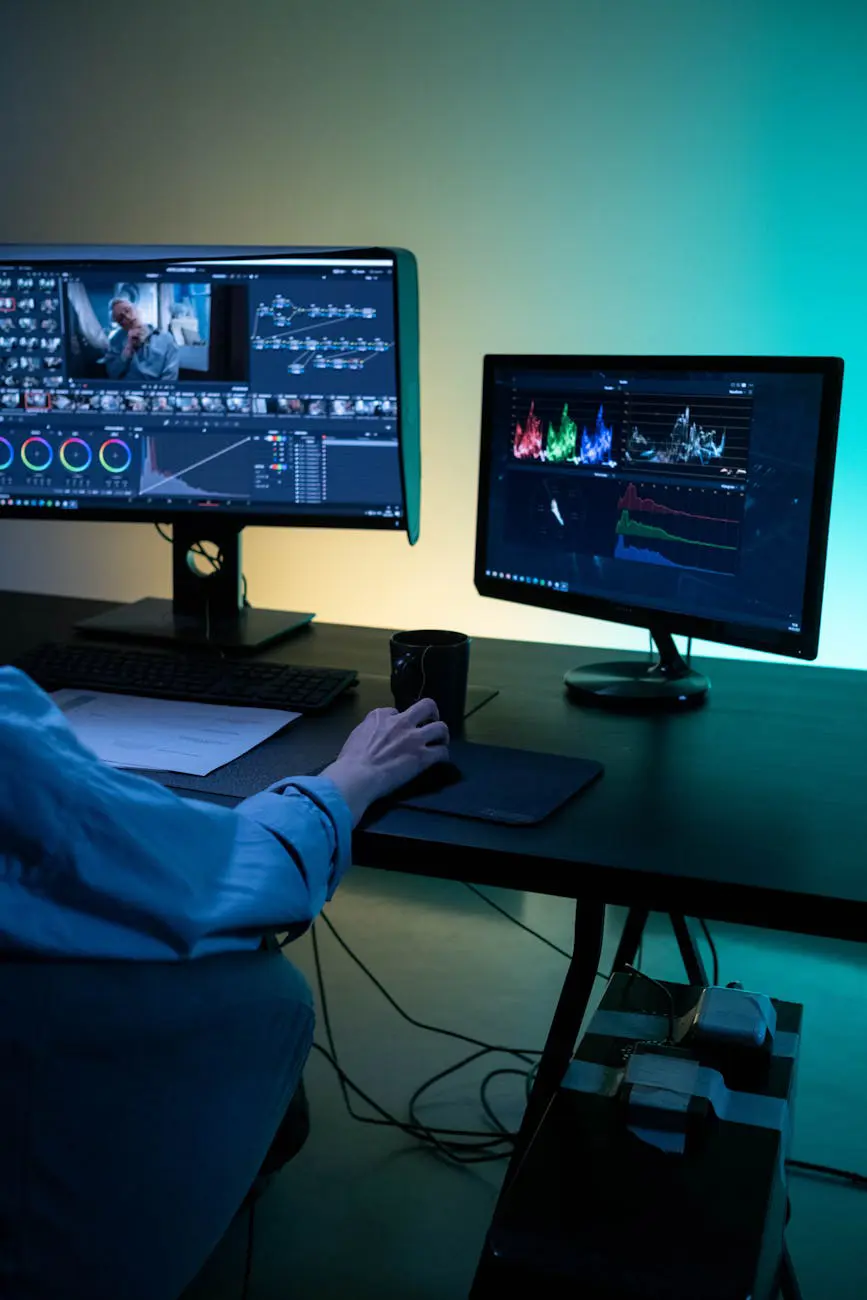
What Is AI Video Editing?
For decades, video editing was the exclusive domain of professional editors and large production teams. It required complex software, powerful hardware, and hours of painstaking work. With the advent of artificial intelligence, this process is undergoing a radical transformation. Today, AI-powered video editing tools enable even complete beginners to create professional-looking videos with minimal effort.
AI video editing refers to the use of machine learning algorithms to analyze, automatically edit, and optimize video content. This technology encompasses a wide range of tasks, including automatic cutting, color correction, audio cleanup, subtitle generation, and even creating videos entirely from scratch.
Why Choose AI-Powered Video Editing?
Compared to traditional video editing methods, AI-powered tools offer numerous advantages:
- Time savings: Hours of manual editing work can be reduced to minutes. AI automates repetitive tasks so you can focus on creativity.
- Lower costs: Instead of hiring a professional editor, you can achieve budget-friendly solutions with AI tools.
- Accessibility: Professional results are achievable without extensive technical knowledge or training.
- Consistency: AI helps you produce content that is consistent with your brand identity across all videos.
- Scalability: Process multiple videos simultaneously, dramatically increasing your production speed.
Best AI Video Editing Tools
The market is packed with AI-powered video editing tools. Here are the most recommended ones for beginners and intermediate users alike:
1. Adobe Premiere Pro (Sensei AI)
Adobe's AI engine, Sensei, brings powerful automation features to Premiere Pro. It offers automatic color matching, scene detection, and speech-based editing capabilities. It is ideal for professional workflows, though it comes with a steeper learning curve.
2. DaVinci Resolve (AI Tools)
Blackmagic Design's free offering, DaVinci Resolve, provides AI-powered face recognition, object tracking, and automatic color correction. Even its free version is remarkably capable and is frequently used in professional productions worldwide.
3. CapCut
Developed by ByteDance, CapCut is especially popular among social media content creators. It features AI-powered automatic subtitle generation, background removal, and smart effect suggestions. Its biggest advantages are its free pricing and ease of use.
4. Runway ML
Runway is a pioneering platform in AI-focused video editing. It offers advanced features such as text-to-video generation, background removal, object erasure, and video stylization. It is an excellent choice for creative projects that push boundaries.
5. Descript
Descript makes video editing as easy as editing a text document. It automatically transcribes speech in your videos and allows you to edit the video by simply editing the text. It is extremely practical for podcasts and educational content.
AI Video Editing Workflow
To effectively manage your AI-powered video editing process, it is important to adopt a systematic approach. Here is a step-by-step workflow:
Step 1: Import Your Raw Footage
Upload your recorded or collected raw video files to your preferred AI editing tool. Most modern tools support common formats such as MP4, MOV, AVI, and MKV.
Step 2: AI Analysis and Automatic Editing
The AI analyzes the uploaded video. During this stage, the following processes occur automatically:
- Detection of scene and shot changes
- Identification of speech segments and silent portions
- Face and object recognition
- Image quality assessment
- Automatic transcription and subtitle generation
Step 3: Fine-Tuning and Customization
Review the AI's suggestions and make the necessary adjustments. Set your transitions, add music, and place your branding elements. At this stage, all creative decisions are entirely yours.
Step 4: Color Correction and Audio Optimization
Use AI-powered color correction tools to give your footage a professional look. Audio cleanup algorithms will remove background noise and balance volume levels for crystal-clear sound.
Step 5: Export and Share
Once editing is complete, export your video in the format best suited for your target platform. Many AI tools offer optimized output presets for YouTube, Instagram, TikTok, and other popular platforms.
Key AI Video Editing Techniques
Here are the fundamental techniques where AI transforms the video editing process:
Automatic Cutting and Assembly
AI detects natural transition points, speech pauses, and scene changes in your video to perform automatic cuts. This feature is invaluable for anyone looking to create short, dynamic videos from long recording sessions.
Smart Subtitles and Translation
AI-powered speech recognition technology automatically transcribes dialogue in your videos. Additionally, it can translate these subtitles into different languages, expanding your content's global reach significantly.
Background Replacement and Green Screen Effects
Even without a physical green screen, you can automatically detect and replace backgrounds. This technique is perfect for creators who want to produce professional-looking videos from a home environment.
Audio Enhancement and Noise Reduction
AI identifies and removes background noise, automatically balances audio levels, and enhances speech clarity. This ensures clean, professional audio even when recording outside a studio environment.
Practical Tips for Getting Started
Keep these important points in mind as you begin your AI video editing journey:
- Start small: Practice with short, simple videos rather than complex projects. As you discover the capabilities of each tool, gradually move on to bigger projects.
- Prioritize raw material quality: AI tools can produce amazing results, but quality source footage always yields better outcomes. Good lighting and stable shots make a significant difference.
- Try multiple tools: Each tool has its strengths and weaknesses. Test different platforms to find the one that best fits your specific needs.
- Review AI outputs carefully: AI is not perfect yet. Always review automatically generated subtitles, cuts, and effects before publishing.
- Be mindful of copyrights: Always check the copyright status of music and visuals suggested or generated by AI before using them in your content.
- Join communities: Stay up to date with the latest tips and techniques by joining AI video editing communities on Reddit, YouTube, and Discord.
The Future of AI Video Editing
The AI video editing space continues to evolve rapidly. Here are some trends expected in the near future:
- Real-time AI editing: AI-assisted editing will become widespread in live broadcasts and instant content production scenarios.
- Text-to-video generation: The technology for creating professional videos from simple text prompts will reach full maturity.
- Personalized content: AI will automatically generate different video versions based on viewer preferences and behavior patterns.
- Emotional analysis: AI will analyze the emotional tone of videos and optimize content for maximum viewer impact and engagement.
Artificial intelligence is democratizing video editing. You no longer need years of training to produce professional videos — knowing the right tools and bringing your creative vision to life is all it takes.
Conclusion and Call to Action
AI video editing presents tremendous opportunities for both individual content creators and businesses. AI tools that speed up traditional editing processes, reduce costs, and improve quality are reshaping the video production landscape.
The tools and techniques covered in this guide will give you a strong foundation to start your AI-powered video editing journey. The most important thing is to take that first step and start experimenting.
Download a free AI video editing tool today and start your first project. You can begin with free tools like CapCut or DaVinci Resolve, and transition to more advanced solutions as you gain experience. Discover the power of artificial intelligence and take your video content to the next level!


